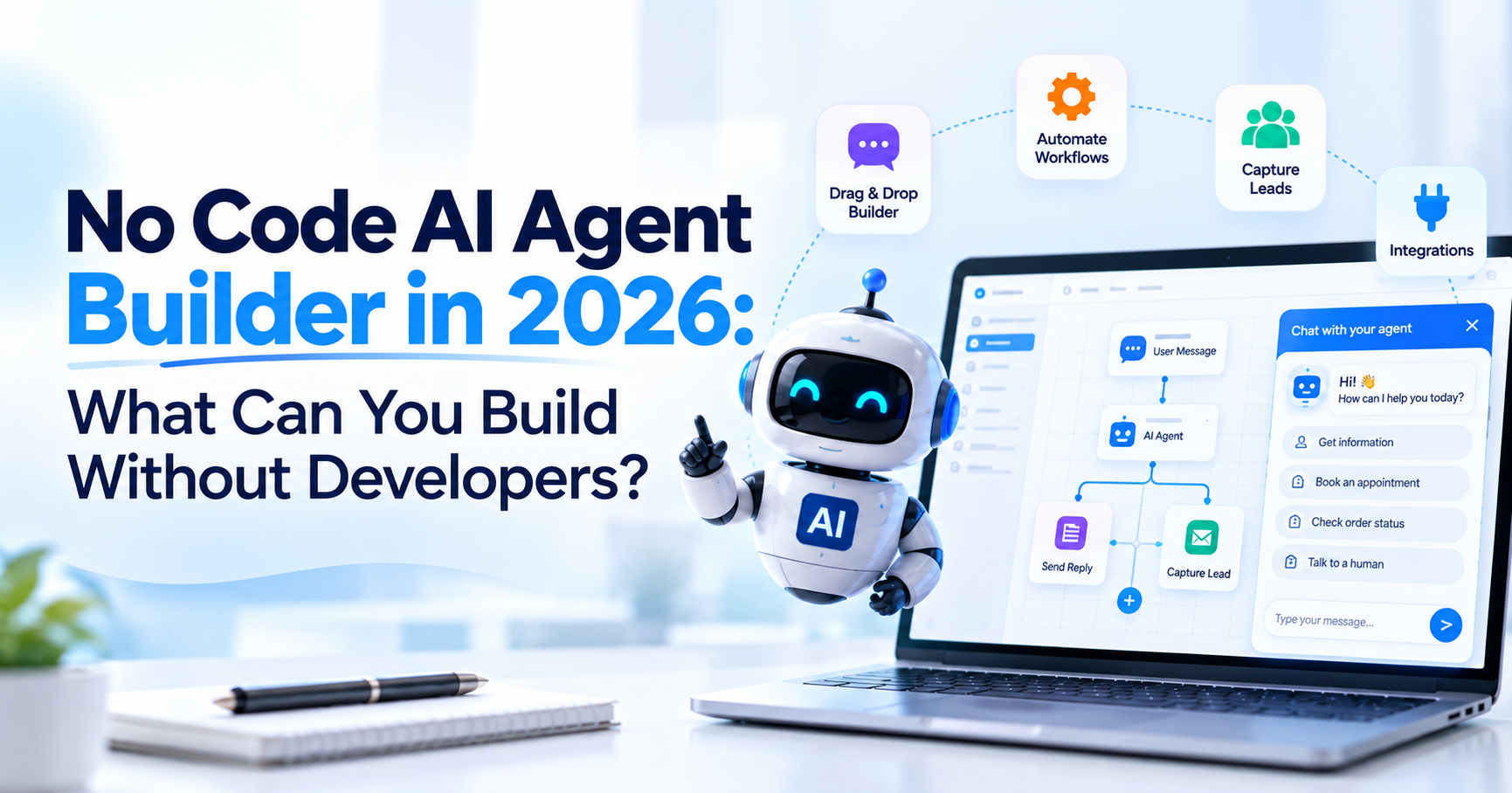
A business owner should not need to understand vector databases, model orchestration, authentication flows, or frontend frameworks just to answer common questions on a website. That is the promise behind a no-code AI agent builder.
In 2026, no-code platforms can already handle much more than a scripted chat box. A business can create an AI assistant that learns from website pages and documents, answers visitor questions, follows conversation context, collects leads, transfers difficult conversations to a person, and in some cases connects with other business systems.
But no-code has limits. The important question is not whether an agent can technically be created without writing code. It is whether the complete customer journey you want can be built, maintained, secured, and updated without custom development.
A simple website assistant may need no developer at all. An agent that accesses private customer accounts, changes records across internal systems, or performs high-risk business actions is a different project.
This guide explains where no-code works well, where APIs become useful, and when developer involvement is still the sensible choice.
I Want to Embed a No-Code AI Chat Widget on My Website Without Custom Development Work. What's the Best Approach?
The simplest approach is to use a website-focused no-code AI agent builder that can learn directly from your existing site, accept additional business knowledge, let you configure its behaviour, and provide a ready-made website widget.
You should not have to rebuild your website content manually if the information already exists.
For example, if your site contains services, products, pricing, FAQs, policies, help content, and contact information, the platform can use those pages as the starting knowledge for the AI assistant. You can then add missing PDFs or support documents, test real questions, configure human handoff, and install the widget.
That is the standard website-first approach used by Agent Best AI. You enter the website URL, let the platform crawl relevant public content, add extra knowledge where required, test the AI agent, and place the provided widget on the website.
For a normal business website, that is usually a better starting point than commissioning a custom chatbot application before you know whether customers will actually use it.
What Is a No-Code AI Agent Builder?
A no-code AI agent builder is a platform that provides the infrastructure needed to create, configure, test, and deploy an AI agent without developing the full application yourself.
The platform generally manages technical components such as model connectivity, hosting, the chat interface, knowledge retrieval, deployment tools, conversation storage, and basic analytics.
Your team focuses more on business decisions: what the agent should know, what it should say, when it should escalate, and which workflows it should support. That does not mean no technology is involved. It means the vendor has already built much of the technology for you.
This distinction matters because a no-code builder can still support sophisticated capabilities. Microsoft's current Copilot Studio architecture, for example, combines generative AI, knowledge, actions, workflows, connectors, REST APIs, and other tools within an agent-building environment.
The existence of those capabilities does not mean every implementation requires custom code. A small business may use only the knowledge and website layer. A larger organization may use the same general type of platform while adding integrations and automated actions.
What Can You Build Without Developers?
A no-code AI agent can handle a large portion of common website use cases when the agent mainly works with approved business knowledge and straightforward customer journeys.
The strongest no-code use cases are usually customer questions, service guidance, product discovery, lead assistance, basic qualification, website navigation, and first-line support.
Imagine a visitor asks: “Do you provide this service for small businesses?”
Then: “How much does it cost?”
Then: “Can somebody call me?”
None of those steps necessarily requires custom development. The first two can use business knowledge. The third can collect contact information or trigger a standard handoff process. Where no-code becomes especially useful is when the information already exists in places the builder can access.
You Can Build a Website Knowledge Assistant
A website knowledge assistant is one of the clearest no-code use cases. The agent learns from approved business content and turns that information into conversational answers. Instead of expecting a visitor to search across several pages, the user can ask:
“What is included in the Growth plan?”
“Do you work internationally?”
“Can I return a discounted item?”
“Which service should I choose?”
A website-focused platform can retrieve the relevant information and generate a direct answer.
Agent Best AI currently supports website crawling across products, services, pricing, FAQs, policies, categories, help content, and other public business pages. It also allows extra knowledge such as PDFs, manuals, FAQs, policies, pricing documents, and support resources to be added separately through the same workflow.
That makes a website-trained AI agent a practical first project for companies whose information is already reasonably organized. If you want to understand how that website content becomes usable AI knowledge, the previous guide on training a chatbot on website content covers the knowledge stage in more detail.
You Can Build an AI Customer Support Assistant
A no-code AI agent can also handle many repetitive customer-support questions without requiring a custom support application. The key is scope.
Questions about opening hours, delivery policies, product compatibility, account setup instructions, warranties, service conditions, or common troubleshooting steps can often be answered from approved support material. The agent should not be expected to resolve every case.
A customer saying: “How do I reset my password?”
is very different from: “I have already reset it twice, my account is still locked, and I was charged during the outage.”
The second situation may require investigation and human judgment. A useful no-code support setup therefore combines knowledge-based answers with escalation.
Agent Best AI, for example, supports AI-to-human handoff with conversation context when a visitor requests a person or the issue requires personal assistance. That hybrid structure is often more useful than trying to automate every support case.
You Can Build an AI Assistant for Business Lead Capture
A no-code agent can also help turn website conversations into qualified enquiries. The important point is timing. A chatbot should not ask for an email address immediately after the visitor says hello. It should help first. Suppose a prospect asks:
“Do you build ecommerce websites?”
The agent explains the relevant service.
The visitor then asks: “Can you migrate from WooCommerce?”
The agent answers based on business information.
Then the prospect says: “We have around 4,000 products. Can someone look at our store?”
That is a natural point to collect contact information or transfer the conversation. This type of journey does not necessarily require custom development. The agent needs reliable business knowledge, clear lead-capture instructions, and a defined handoff process.
For a small or service-based business, that may be enough to create real value before any deeper integrations are added.
You Can Build Product and Service Guidance
A no-code AI chatbot builder can also help visitors narrow down products or services when the recommendations are based on information already available in the knowledge base.
A shopper could ask: “I need a lightweight waterproof backpack for a 15-inch laptop.”
A service-business visitor might ask: “I have website traffic but hardly any enquiries. Which service should I look at?”
The AI can use available product or service information to guide the visitor toward relevant options. However, the recommendation should remain grounded in real business data.
If the agent does not have reliable information about stock, compatibility, pricing, or suitability, it should not invent it. This is one of the areas where the quality of your website content becomes directly connected to the quality of the AI experience.
You Can Build a Multilingual Website Assistant
For businesses serving visitors across several countries, no-code platforms can also reduce the need to build separate support experiences for every language.
The same agent can use the underlying business knowledge while communicating with visitors in supported languages.
That can be useful for travel companies, ecommerce stores, SaaS products, educational organizations, and international service businesses. Important content should still be tested carefully.
Refund rules, payment conditions, warranties, safety information, and contractual wording deserve more attention than a casual FAQ because small translation differences can change meaning.
You Can Build Human Handoff Without Building a Support System From Scratch
Human handoff is another area where no-code platforms reduce development work. Without a managed platform, a business might need to build conversation routing, operator interfaces, message storage, alerts, user identification, and the logic that switches between AI and human support.
A no-code builder can provide much of that layer already. The best handoff is contextual. If the visitor has already explained the issue, the human agent should see what was discussed. The customer should not need to repeat everything.
Agent Best AI currently passes conversation history, customer details, questions, and relevant collected information to the team when a human takes over. For many customer-service use cases, that is more valuable than giving the AI additional autonomy.
Can You Build Workflows Without Code?
Yes. Many modern agent platforms can trigger workflows or connect with prebuilt services without requiring the business to write the underlying API integration itself.
Microsoft, for example, provides connectors that expose actions from many external systems through a low-code interface. Agents can use those connectors to read information, create records, update data, or trigger other operations.
This creates a useful middle ground. You do not need a custom developer for every integration if your required service already has a supported connector.
A lead could be passed into a CRM.
A notification could be sent to a team.
A support ticket could be created.
An appointment workflow could be triggered.
That is still no-code or low-code from the business user's perspective because the integration infrastructure already exists. The limitation appears when your system or workflow is not supported.
Where Does No-Code Start to Reach Its Limits?
No-code starts to reach its limits when the agent needs business logic, data access, user experience, or security controls that the platform does not already provide. This does not mean the platform is weak. It means your use case has become more specific.
A standard AI agent builder no-code workflow works best when your needs fit the platform's existing knowledge, automation, and deployment model. Once you need something outside that model, an API, custom connector, or developer may become necessary.
You May Need an API for Live Customer Data
Website crawling and knowledge uploads are excellent for relatively stable information. They are not the right mechanism for data that changes continuously or belongs to a specific customer. For example:
“What is your shipping policy?” can come from website knowledge.
“Where is order #8421?” requires current order data.
“Can you change the address for order #8421?” requires both current data and an action.
An API is often the correct bridge between the AI agent and those live systems. Agent Best AI currently provides API access for businesses that need custom integrations with internal systems or customer-support workflows.
The same architecture applies generally across AI agent platforms: knowledge answers business questions, APIs retrieve live information, and authorized actions change something. These should not be treated as the same capability.
You May Need a Developer for a Custom User Interface
A standard website widget is enough for many businesses. If you want the AI experience embedded deeply inside a proprietary application, customer portal, mobile product, or highly customized interface, development work may become necessary.
Microsoft's current documentation provides a useful example of this boundary. Its standard web-chat embed can be added without custom development in certain configurations, while more customized web or native application integrations use SDKs and are explicitly intended for experienced developers or IT professionals.
That is a good way to think about no-code deployment. A standard widget is usually straightforward. A deeply customized application experience is no longer the same project.
You May Need Developers for Proprietary Internal Systems
A company may have an internal pricing tool, inventory database, legacy ERP, custom booking system, or proprietary CRM that has no ready-made connector.
If that system exposes a usable API, a developer may be able to connect it to the AI platform. If it does not, the integration may require even more work.
This is where “no-code” should not be interpreted too literally. The AI agent platform may still be no-code, while the connection to your unique infrastructure requires engineering. That is normal.
The better question is whether you can keep most of the agent experience inside the managed platform and limit custom development to the small number of integrations that genuinely require it.
You May Need Developers for Complex Authentication
Public website information is relatively straightforward because it does not belong to a specific authenticated customer. Private information is different.
Suppose the agent needs to answer: “What invoices are unpaid on my account?”
The system needs to know who the user is and whether that user is allowed to access those invoices. Authentication, authorization, session handling, identity systems, and permissions become part of the implementation.
This is one reason a public FAQ agent can be deployed quickly while an authenticated account assistant may need more engineering. The difference is not the AI model. It is the trust boundary around the data.
You May Need Custom Development for High-Risk Actions
Actions such as issuing refunds, changing bank information, modifying account permissions, cancelling orders, or altering sensitive records require more control than answering an FAQ. The more consequential the action, the more important validation, authorization, logging, confirmation, error handling, and human approval become.
No-code platforms may provide some of these controls, but a business should not assume that a visual workflow automatically makes a high-risk action safe. If the built-in controls do not match the business requirement, developer involvement may be appropriate.
This is especially important because modern agent platforms increasingly support actions through connectors, APIs, workflows, and external tools. Microsoft describes its current agents as capable of calling workflows, connectors, REST APIs, and MCP servers. Greater capability makes permission design more important, not less.
No-Code Does Not Mean No Technical Decisions
A no-code AI agent builder removes a large amount of implementation work, but someone still needs to make good decisions.
You still need to decide what content the agent should trust.
You still need to remove outdated information.
You still need to write useful instructions.
You still need to test whether the agent admits uncertainty.
You still need to define escalation.
You still need to decide which integrations are necessary.
And you still need to review conversations after launch.
No-code removes infrastructure work. It does not remove responsibility for the customer experience.
How Should You Build a No-Code AI Agent for a Website?
The cleanest process is to start with the business problem, then add only the capabilities needed to solve it.
Start With One Customer Journey
Do not begin with: “Build us an AI agent.”
Begin with: “We want website visitors to understand our services and get answers to repetitive questions without waiting for our team.”
That gives the project a measurable purpose. A SaaS business might choose pricing and feature questions. An ecommerce company may focus on products, shipping, and returns.
A local service company might focus on services, areas covered, pricing guidance, and lead capture. The narrower the first version, the easier it is to test properly.
Use Your Existing Website as the First Knowledge Source
Your website is usually the most practical starting point because it already contains customer-facing information. This is where a website chatbot builder can save considerable setup time.
Agent Best AI currently lets businesses begin with a website URL rather than manually entering every product, service, policy, and FAQ.
It builds the knowledge base from relevant public website information and then allows extra content to be added where needed. If you want a deeper explanation of this approach, see how AI website crawling helps chatbots learn a business.
Add Missing Knowledge Carefully
After the website has been added, identify what is missing. Maybe detailed product manuals are not public. Perhaps pricing rules exist in a PDF. Maybe the support team has a troubleshooting document customers regularly need.
Add those sources deliberately. Do not upload every company document simply because the platform allows it. A customer-facing agent should receive customer-relevant knowledge.
Set Clear Behaviour Rules
Tell the agent what it should do when it knows the answer and what it should do when it does not.
A good instruction might say that pricing must come from approved sources, unsupported claims should not be guessed, sensitive account issues should be escalated, and customers requesting a person should be offered human assistance. Those rules make the agent more predictable.
Test Real Customer Language
Do not only test polished questions. Customers may write:
“u guys deliver pakistan?”
“what plan got api?”
“can human help?”
“this price still correct?”
A useful AI assistant for business should understand ordinary customer language while remaining grounded in the approved information. Test follow-ups too.
If the visitor asks: “Does Starter include analytics?”
Then: “What about API access?”
the agent should understand that the second question still concerns the plan comparison.
Deploy With the Simplest Suitable Method
If a widget solves the problem, use the widget. Do not build a custom frontend because custom development sounds more sophisticated.
Microsoft's current web deployment guidance distinguishes simple website embedding from custom application integration, which can require developer expertise. The same principle applies broadly. Choose the lowest-complexity deployment that delivers the experience customers need.
When Should You Move From No-Code to Low-Code?
Move toward low-code when the main agent works well but you need a few capabilities the standard builder does not provide.
For example, the agent may already answer website questions successfully, but you now want to retrieve appointment availability from a custom system.
Instead of rebuilding the entire solution, you could keep the no-code knowledge and conversation layer while adding one API or custom connector.
This hybrid approach is often more practical than treating no-code and custom development as opposite choices.
The managed platform handles common infrastructure. Development is used only where the business is genuinely unique. That usually means less code to maintain.
When Does Full Custom Development Make More Sense?
Full custom development becomes more reasonable when the AI agent itself is part of your core product or when the requirements are too specialized for a managed platform.
Examples include a multi-tenant AI product sold to your own customers, deeply proprietary workflow logic, strict infrastructure requirements, unusual authentication architecture, highly customized interfaces, specialized data pipelines, or complex real-time actions across internal systems.
At that point, you may need control over the model layer, orchestration, hosting, databases, authentication, APIs, observability, security, and deployment architecture. That is a fundamentally different project from putting an AI assistant on a business website.
If you are deciding between those paths, the existing comparison of AI chatbot development company vs no-code builder explains where managed platforms stop and custom development begins.
Is No-Code Only for Small Businesses?
No. No-code and managed agent platforms are increasingly used for much more sophisticated business applications.
Microsoft's current Copilot Studio can combine business knowledge, actions, workflows, connectors, REST APIs, and multiple deployment channels.
AWS has likewise introduced managed agent infrastructure intended to reduce orchestration and backend work for developers, while still allowing deeper control when required.
The important distinction is not company size. It is requirement complexity. A large company may use no-code successfully for a focused internal knowledge assistant.
A small company may still need development if its workflow depends on a unique proprietary system. Use the architecture the problem requires.
What Should You Check Before Choosing a No-Code AI Agent Builder?
You should check whether the platform can support your complete first customer journey without forcing your team into unnecessary technical work.
Start by testing how easily it learns your website and documents. Then check whether you can update knowledge, write instructions, manage unanswered questions, review conversations, and define human handoff without outside help.
After that, evaluate the features that affect your specific use case. If you need live data, test integrations. If you need actions, test what happens when the action fails. If you need authenticated information, understand the security model before launch.
Finally, calculate the cost of the configuration you actually need. A low-cost plan may be enough for a basic website assistant but not include the integrations, usage, team access, or advanced features required later. The right platform should still make sense after the pilot becomes a real customer channel.
Where Agent Best AI Fits
Agent Best AI is designed for the website-first end of the no-code AI agent spectrum. Its standard setup does not require businesses to create their own chatbot infrastructure or configure APIs just to launch a customer-facing assistant.
The process starts with the business website, adds supplementary knowledge where needed, and then deploys the AI agent using a website widget.
The platform is particularly suited to businesses that want to answer website questions, support customers, guide visitors, capture leads, provide multilingual assistance, and transfer conversations to humans while keeping the setup manageable.
If a business later needs deeper connectivity, Agent Best AI also provides API access and custom integration options for workflows that require information beyond the public website.
That means you can begin with a simple no-code implementation and introduce technical integration only when the customer journey justifies it. You can review the Agent Best AI no-code setup process or explore Agent Best AI features for the current website, support, handoff, knowledge, and integration capabilities.
Final Thoughts
A no-code AI agent builder can now handle a surprisingly large part of what most business websites need.
You can build an AI assistant that learns from website content, uses additional business documents, answers customer questions, guides visitors, collects leads, supports customers, handles contextual follow-ups, and transfers difficult conversations to a person without developing the entire system yourself.
The boundary appears when the agent needs something more specific. Live customer data may require an API. A proprietary internal system may need a custom connector. A deeply customized application interface may need frontend development.
Sensitive or high-impact actions may require stronger authentication, validation, approval, and engineering controls. That is why the most practical strategy is usually not “no-code forever” or “custom development from day one.”
Start no-code where the platform already solves the problem well. Add low-code or development only where your business requirements genuinely demand it. For most website projects, that approach gets useful AI in front of real customers faster while keeping the technical complexity proportional to the value it provides.