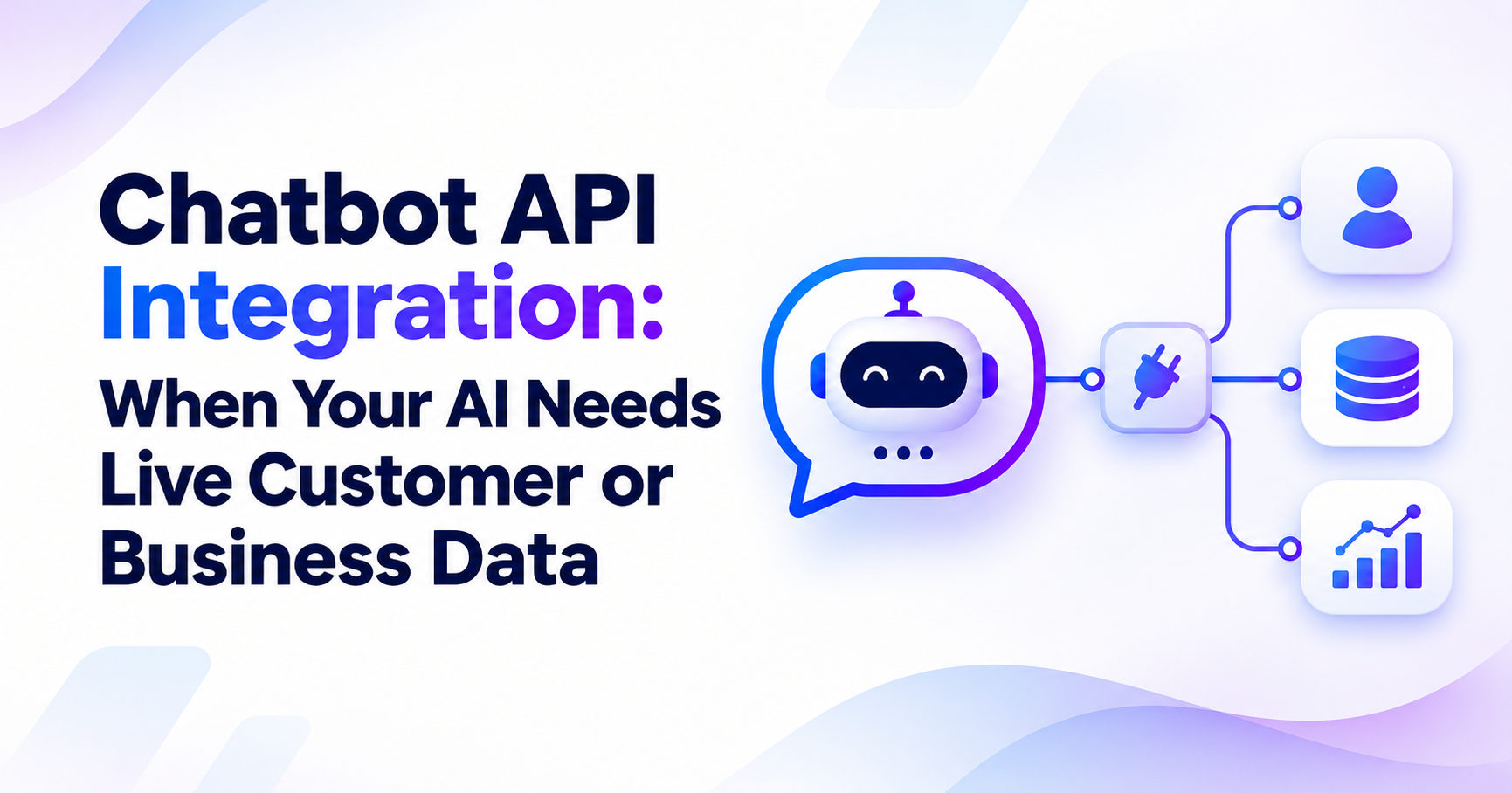
A customer visits your online store and asks, "Where is my order?"
Your AI chatbot explains how to find the tracking link, but the customer wants something more specific. They want to know whether their order has shipped and when it might arrive.
The chatbot understands the question. The problem is that it doesn't have access to the customer's actual order information. This is where chatbot API integration becomes relevant.
A website-trained chatbot can answer questions using your published products, services, pricing, FAQs, and policies. But when customers need live order updates, account information, subscription details, or actions inside your business systems, the chatbot may need an API connection.
For businesses comparing AI chatbot platforms, the important decision is whether website knowledge is enough or whether connecting live data will create additional value.
You should invest in chatbot API integration when your chatbot needs to retrieve current, customer-specific information or perform authorized actions that website content alone cannot support.
Understanding that distinction can help you avoid unnecessary development costs while choosing a solution that meets your customer service requirements.
When Does Your Business Need Chatbot API Integration?
Your business needs chatbot API integration when the AI must securely access information or perform actions inside another application rather than simply answer questions from existing website content.
For example, a customer asks, "What is your return policy?"
A chatbot can answer this using your published return policy without connecting to a live order-management system. Now the same customer asks, "Has my refund for order #5281 been processed?"
This question requires information about an individual transaction. The answer probably exists in your ecommerce, payment, or order-management system, not in your public website content.
An API can provide a controlled way for an authorized application to retrieve that information. The same distinction applies to SaaS subscriptions, customer support tickets, CRM records, appointment availability, and internal business systems.
Before purchasing a custom API integration, identify which customer questions require live information and which can already be answered using your website. You may discover that a standard chatbot handles most routine questions, while only a smaller set of customer requests requires additional connections.
Website Knowledge vs Live Business Data: What's the Difference?
The main difference is where the chatbot gets its information and whether that information changes for each customer.
Website Knowledge: Best for General Customer Questions
A website chatbot integration allows the AI to use information from publicly accessible website pages and additional approved documents.
This may include product descriptions, service details, pricing plans, FAQs, shipping policies, return conditions, manuals, and support articles. For example, a SaaS visitor asks, "Does your Professional plan support API integrations?"
If the answer is published on your pricing or features page, a website-trained chatbot can use that information to respond. The chatbot doesn't need to access the customer's private account.
A no-code website chatbot builder can be a practical solution for these types of conversations because it uses existing business content rather than requiring a custom connection for every question.
However, website knowledge is not necessarily updated instantly. If product information, pricing, or policies change, the chatbot's knowledge must be refreshed through the platform's supported update process.
Live Business Data: Best for Customer-Specific Requests
Live business data includes information that changes inside your operational systems. Examples include order status, current inventory, customer subscriptions, appointment availability, account details, and open support tickets.
If a customer asks, "Which subscription plan am I currently using?" the chatbot needs to identify that customer and retrieve the relevant account information.
An API integration can support this process when the business system and chatbot platform provide the appropriate capabilities.
Unlike public website knowledge, customer-specific information must also be protected through authentication and authorization.
The chatbot should not reveal an order, account, or transaction simply because someone provides a matching reference number. The underlying system must verify that the customer is permitted to access the requested information.
Five Business Situations Where Chatbot API Integration Is Worth Considering
Not every company needs a custom API connection. However, several customer support and sales workflows can justify the additional investment.
1. Ecommerce Order Tracking and Inventory
An ecommerce chatbot can answer product questions and explain shipping policies using existing website content. But customers often want information about their actual purchases. They may ask:
"Has my order shipped?"
"Is this product currently in stock?"
"What's the status of my refund?"
These requests may require access to WooCommerce, Shopify, or another connected order-management system. For example, WooCommerce provides a REST API that allows authorized applications to access store resources, including products, customers, and orders.
A suitable chatbot API integration could retrieve the information needed to answer an authenticated customer's request. However, the existence of a WooCommerce API doesn't mean every chatbot supports order tracking automatically.
Before purchasing, confirm whether your chosen chatbot can connect to the required ecommerce data and what additional configuration is necessary. Our existing WooCommerce AI chatbot guide explains the difference between product knowledge and authenticated store information.
2. SaaS Subscription and Account Support
SaaS businesses often receive questions about subscription plans, billing, account permissions, and product access. A chatbot trained on public documentation can explain what each subscription includes.
But if a customer asks, "Which plan is active on my account?" the chatbot needs access to their actual subscription information.
An API connection can make this information available through a controlled request.
Depending on the integration, a chatbot might retrieve the current plan, subscription status, or other authorized account details. This can be useful for SaaS companies seeking to reduce repetitive account enquiries without exposing sensitive customer information.
However, retrieving an account's current status and changing its subscription are different operations.
A chatbot may be authorized to read subscription information without having permission to upgrade, downgrade, or cancel an account. Businesses should decide which capabilities are actually necessary before giving an AI agent access to their systems.
3. CRM Integration and Qualified Lead Management
For a service business, an AI chatbot may capture visitor information such as name, email address, company, and project requirements.
If the chatbot platform already provides lead capture and dashboard access, that may be sufficient for a smaller team. But businesses using an established CRM may want qualified enquiries added automatically to their sales pipeline.
An AI chatbot CRM integration can potentially create lead records, attach conversation context, or update supported fields when a visitor submits an enquiry. For example, a potential client asks about custom software development and provides their requirements.
Instead of requiring someone to manually copy the details into the CRM, a supported integration could create a record for the sales team. This is a practical use case for AI customer support automation because the chatbot conversation leads to a defined business workflow.
Before paying for this integration, confirm which fields can be transferred, how duplicate leads are handled, and what happens if the CRM is unavailable. A chatbot that successfully captures an enquiry but fails to deliver it to the intended system may create more work rather than less.
4. Helpdesk and Support Ticket Information
Customer support teams often manage requests through ticketing platforms. A chatbot can explain general support procedures using existing knowledge. But customers may also want to know the status of a particular support request. For example:
"Has anyone reviewed my technical issue?"
"What's happening with ticket #3482?"
"Can you create a support request for this problem?"
A chatbot connected to an appropriate helpdesk API may be able to retrieve authorized ticket information or create a new request. This can support AI chatbot customer service without forcing customers to switch between several communication channels.
However, the chatbot needs clear limits. Reading ticket status may require one level of permission, while modifying or closing tickets requires another. The platform should also provide a reliable way to transfer unresolved conversations to human support.
5. Appointment Availability and Booking Workflows
Service businesses may use scheduling platforms to manage consultations, appointments, or product demonstrations. A chatbot trained on website content can explain appointment types and booking procedures.
But if a visitor asks, "Do you have an appointment available tomorrow afternoon?" the chatbot needs current availability information to provide a reliable answer.
An API integration with a supported scheduling system could retrieve available slots. If the chatbot is also expected to make reservations, the integration needs permission to create bookings and confirm the result.
Businesses should distinguish between displaying availability and completing a booking. A chatbot should never tell a customer that an appointment is confirmed unless the connected system successfully completes the operation.
Read-Only vs Write API Integration: Which Does Your Chatbot Need?
One of the most important purchasing decisions is whether your chatbot only needs to retrieve information or also change information in another system. Read-only integrations retrieve authorized data without modifying the underlying records.
For example, a chatbot may check an order's shipping status, retrieve a customer's subscription plan, or display the current status of a support ticket.
These capabilities can improve customer support without giving the chatbot permission to change business records.
Write integrations allow the connected system to perform actions.
Examples include creating CRM leads, opening support tickets, updating customer information, or booking appointments. Write access can be valuable, but it requires additional safeguards because the chatbot may trigger actions with real business consequences.
| Requirement | API access needed | Example |
|---|---|---|
| Check order status | Read | Retrieve an authorized customer's shipping status |
| View subscription | Read | Display the customer's current plan |
| Create a support ticket | Write | Submit a new customer support request |
| Book an appointment | Write | Create a confirmed booking in a calendar |
| Change an order | Write | Update an eligible order after required authorization |
If your main requirement is to answer order-status questions, there may be no reason to give the chatbot permission to cancel orders or issue refunds.
Similarly, an AI agent that needs to create support tickets shouldn't automatically receive permission to delete existing tickets. Start with the smallest level of access that meets your business requirements. Then expand functionality only when there is a clear operational need.
When Should You Avoid Custom Chatbot API Development?
You may not need custom API development if your chatbot only answers general website questions, guides visitors, or uses the platform's existing lead-capture functionality.
For example, a small business might need an AI chatbot to explain services, answer FAQs, and collect consultation enquiries.
If a no-code platform already supports these requirements, developing a custom API connection may introduce unnecessary cost and maintenance.
The same applies to many ecommerce pre-purchase questions. Customers asking about product specifications, shipping conditions, warranty policies, or compatibility may receive suitable answers from an accurate website knowledge base.
An API becomes more valuable when the answer depends on live operational data or when the chatbot must initiate an action in another system. Before investing, review the capabilities already included in your chosen platform.
Some integrations may be supported through existing connectors or automation tools, reducing the need for a fully custom implementation. For a broader comparison, read our guide to chatbot integration services.
What Should You Check Before Buying Chatbot API Integration Services?
A provider advertising API access does not automatically support every business workflow. Before purchasing, ask the provider to evaluate your intended use case rather than simply confirm that APIs are available.
Can the Chatbot Connect to Your Existing Systems?
Identify the exact applications involved, such as your CRM, ecommerce platform, subscription system, helpdesk, or scheduling software.
Check whether the chatbot provider has an existing integration or whether custom development is required.
Also confirm that the business application exposes the necessary API functions and permissions.
A platform may support basic customer lookup without supporting every account-management action.
How Does It Protect Customer Information?
A chatbot accessing private customer data needs more than a working API connection. The implementation must verify customer identity and enforce permissions before returning information. For example, if a visitor provides an order number, the system should not assume that the visitor owns that order.
The OWASP API Security Project identifies broken object-level authorization as a major API security risk. Businesses should confirm that authorization rules are enforced by the connected application, not left to the chatbot's judgment.
Also ask how API credentials are stored, what information is shared with the chatbot, and whether sensitive data can be restricted. Our AI chatbot data security guide covers customer records, permissions, API credentials, and related security considerations.
What Happens When the API Fails?
Live integrations depend on external systems that can experience errors, timeouts, or temporary outages. Suppose a customer asks for an order update, but the order-management API is unavailable.
A suitable chatbot should explain that it cannot retrieve the current information instead of inventing a delivery status. For actions such as bookings or account updates, the chatbot should only confirm success after receiving reliable confirmation from the connected system.
Before deployment, test failed requests, missing records, expired credentials, and unavailable services. This is particularly important when the chatbot performs transactions or other customer-facing actions.
Who Maintains the Integration After Launch?
Custom APIs and connected applications can change over time. A CRM may modify its API requirements. Your ecommerce platform may change its authentication process. A scheduling application may introduce new permissions.
Before purchasing chatbot integration services, establish who will maintain the connection and what support is available when something changes.
Ask whether maintenance, testing, monitoring, and troubleshooting are included or billed separately. A chatbot API integration should be evaluated as an ongoing business connection rather than a one-time installation task.
What Affects the Cost of Chatbot API Integration?
The cost depends primarily on what the chatbot must access and what actions it needs to perform.
A simple read-only connection to one existing system may require less work than an integration involving multiple applications, complex permissions, customer authentication, and transactional workflows.
Costs may include initial development, API usage, platform subscriptions, testing, hosting, security controls, and ongoing maintenance.
Businesses should also consider whether existing integrations or automation tools can meet the requirement before commissioning custom development.
For example, sending a qualified lead to a CRM may be possible through an existing supported connector or automation workflow.
Retrieving private account records from a proprietary internal system may require a more specialized implementation.
When comparing quotations, ask providers to separate chatbot subscription costs from integration development and maintenance.
This makes it easier to understand what you're paying for and whether the additional functionality justifies the investment. For further budgeting considerations, see our AI chatbot development cost guide.
How AgentBest AI Supports Website Knowledge and API Integrations
AgentBest AI is a no-code AI chatbot platform designed to help businesses answer customer questions, guide website visitors, capture leads, and provide human assistance when needed.
Its standard workflow begins with website crawling. Businesses enter their website URL, and AgentBest AI collects relevant public information from products, services, FAQs, pricing pages, and policies. Additional documents can be uploaded to expand the chatbot's knowledge.
This approach is useful when customer questions can be answered using existing business information without accessing private operational systems.
For businesses that need additional functionality, AgentBest AI's current features page lists API access for connecting internal systems, business tools, and custom customer-support workflows.
The platform also lists Shopify, WordPress, Slack, email, and Zapier integrations, along with assistance for businesses requiring custom connections.
This gives businesses a starting point for evaluating both website-based support and broader AI chatbot integration requirements.
However, API access does not automatically mean that every CRM, ecommerce, helpdesk, or account-management action is available without additional implementation.
AgentBest AI's public documentation confirms API access and custom integration assistance, but businesses should verify the available API functions, required permissions, integration scope, and applicable subscription terms for their use case.
If your chatbot only needs to answer website questions and capture leads, the standard no-code workflow may be sufficient.
If it needs live customer information or approved business actions, contact AgentBest AI to discuss the specific integration before choosing a solution.
Frequently Asked Questions
Does an AI chatbot need API integration to answer customer questions?
No. An AI chatbot can answer general customer questions using website content, FAQs, policies, and uploaded documents without custom API integration. APIs become useful when the chatbot needs live information from another system or must perform authorized business actions.
Can a chatbot API integration provide real-time order tracking?
Yes, if the chatbot connects to an appropriate order-management or shipping system with the required permissions. The integration can retrieve current order information available through that system. Actual data freshness, access controls, and available tracking details depend on the underlying API and implementation.
Can an AI chatbot access customer information from a CRM?
Yes, a supported CRM API integration can allow a chatbot to retrieve or update authorized customer information. The business must define which records and fields the chatbot can access. Customer authentication, authorization, and data protection should be implemented before exposing private information.
What's the difference between website chatbot integration and chatbot API integration?
Website chatbot integration makes the assistant available to visitors, while chatbot API integration connects it with external systems and business data. A website widget can answer questions using approved knowledge. An API connection can support additional functions such as authenticated account lookup or CRM actions.
Is chatbot API integration worth paying for a small business?
It is worth considering when live data access or connected actions solve a genuine customer-support or operational problem. If your business only needs FAQs, service guidance, and lead capture, a no-code website chatbot may be sufficient. Start with your actual customer requirements before investing in custom development.
Can AgentBest AI connect with internal business systems through APIs?
AgentBest AI publicly advertises API access and custom integration assistance for internal systems and business workflows. However, specific connections, available actions, authentication requirements, and plan eligibility should be confirmed with the team before purchase.
Can AI customer support automation work without giving the chatbot access to private records?
Yes. AI customer support automation can handle general website questions, product guidance, and supported lead-capture workflows without accessing private customer accounts. Customer-specific requests require appropriate data connections and access controls, while complex issues can be passed to a human representative.
Final Thoughts: Connect Your Chatbot to the Data It Actually Needs
Chatbot API integration can extend AI customer support beyond basic website questions.
It can allow businesses to retrieve authorized order information, check account details, connect CRM records, and support approved actions inside existing systems. But these capabilities aren't necessary for every website.
If your main requirement is answering customer questions, explaining services, recommending products from approved information, or collecting enquiries, a website-trained AI chatbot may already meet your needs.
When customers require live, private, or transactional information, an API integration becomes more relevant.
The right approach is to start with the information customers need, identify which systems hold it, and choose the minimum integration required to provide reliable assistance.
If you're evaluating a chatbot for customer support and business workflows, explore AgentBest AI.
Start with its advertised 14-day free trial, with no credit card required, to evaluate the website chatbot. For live customer data or custom API workflows, contact the AgentBest AI team to confirm the appropriate integration before committing to a paid solution.