What Is an AI Chatbot for Business?
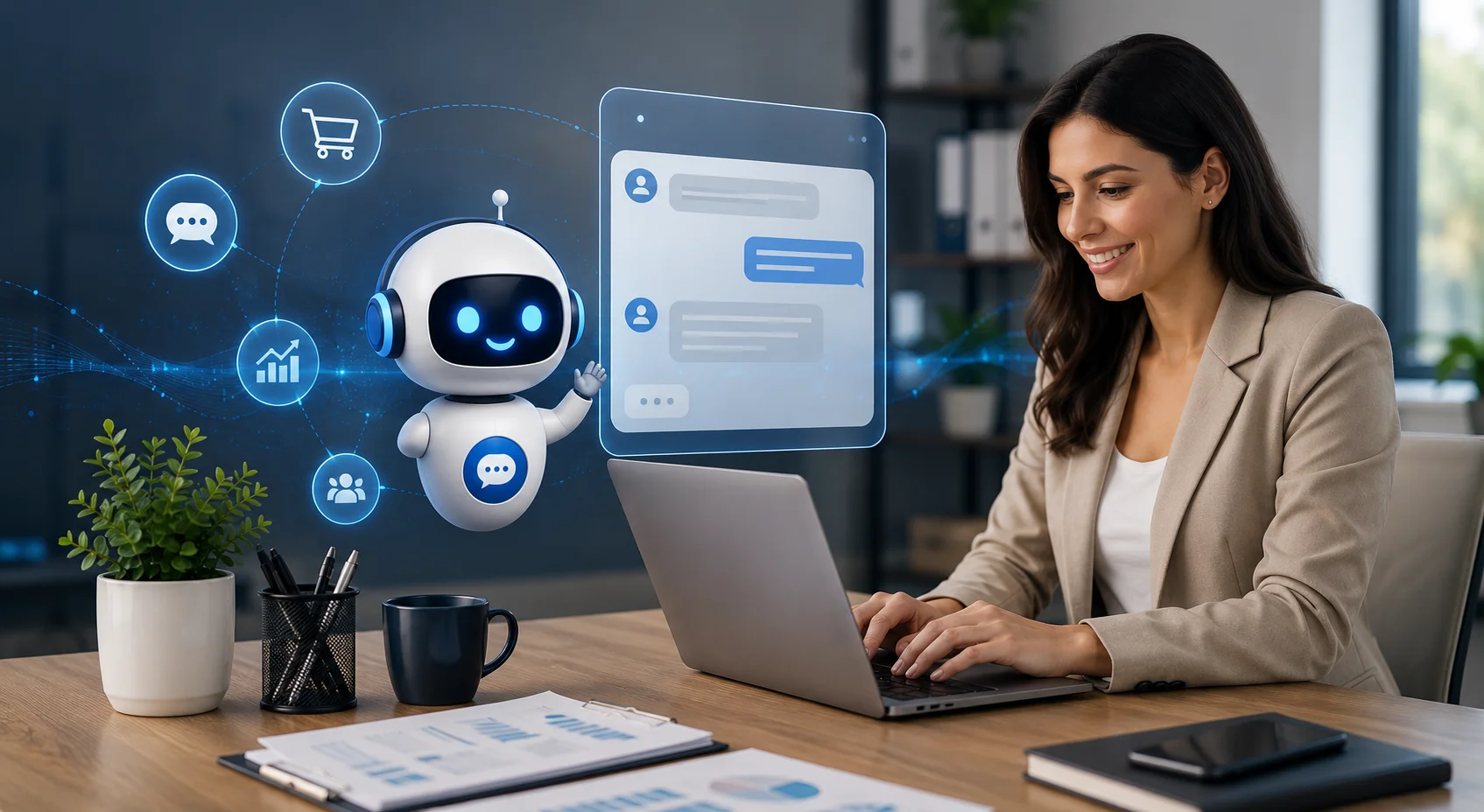
An AI chatbot for business is a conversational tool trained to communicate with customers using information about a company’s products, services, policies, pricing and processes.
Unlike a traditional chatbot that depends mainly on buttons and fixed responses, an AI chatbot can understand different ways of asking the same question.
For example, a potential customer might ask:
“How much does your service cost?”
“Can you explain your packages?”
“Which plan is suitable for a small business?”
A modern chatbot can recognize that all three questions relate to pricing and respond using the company’s approved information.
More advanced AI agents can also use reasoning, memory, and connected tools to complete approved tasks. However, capabilities vary between platforms, so businesses should distinguish between a chatbot that provides information and an AI agent that can take actions inside other systems.
Why Businesses Are Using AI Chatbots in 2026
Customers expect fast answers, but providing immediate human support at every hour can be difficult and expensive.
An AI chatbot gives visitors a convenient first point of contact. It can handle suitable questions immediately while allowing employees to focus on conversations that require judgment, experience, or empathy.
This does not mean human support is disappearing. Salesforce’s 2025 service research found that service teams estimated AI was handling around 30% of cases and expected that figure to reach 50% by 2027. The wider direction is toward AI and human employees working together rather than automation replacing every customer interaction.
For businesses, the practical question is no longer simply, “Should we use AI?” It is, “Which conversations should AI handle, and when should a person take over?”
Benefits of an AI Chatbot for Business
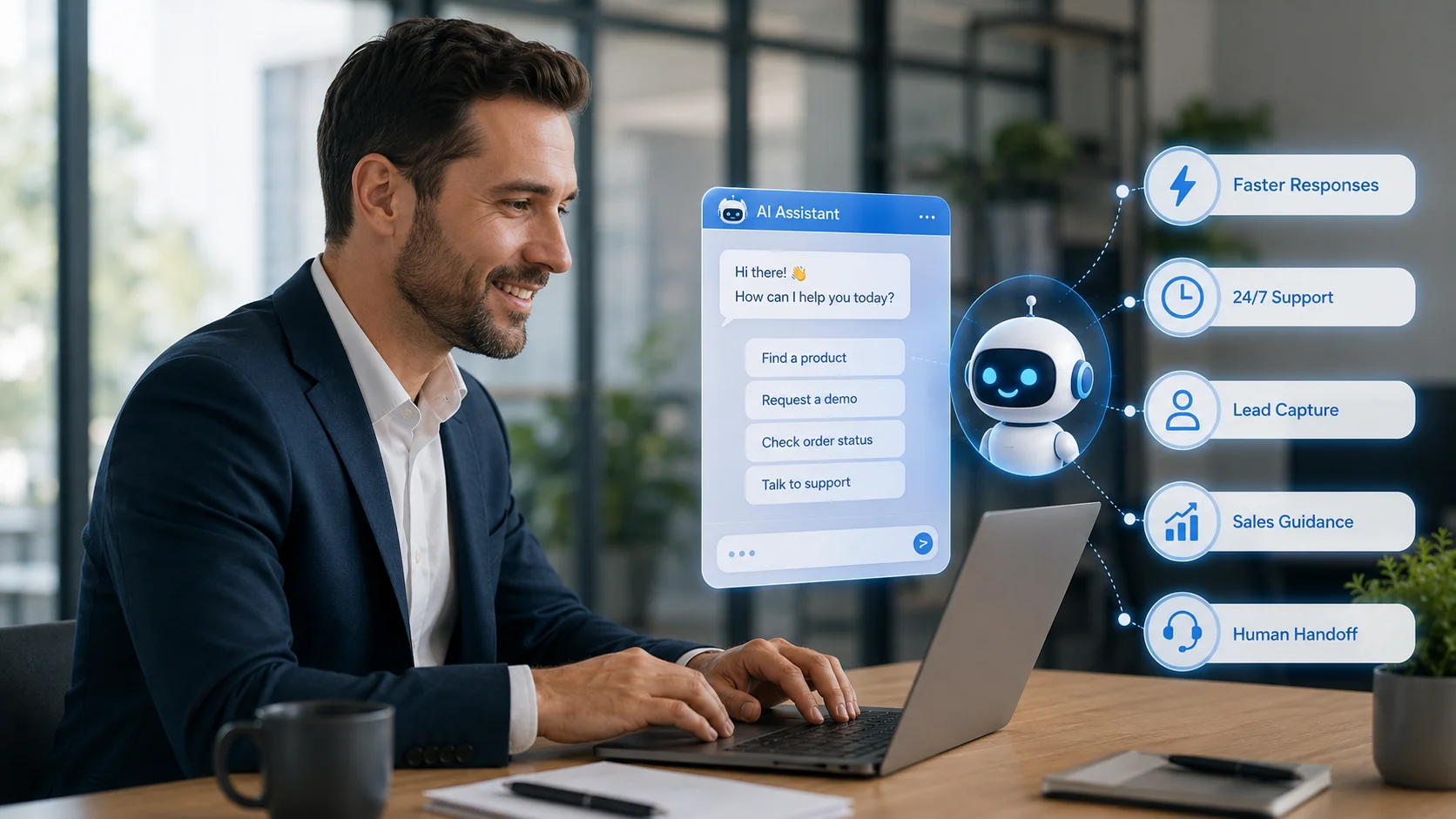
Faster Responses for Website Visitors
A chatbot can answer common questions immediately instead of making visitors wait for an email response or search through several website pages.
This is valuable when a customer is close to making a decision. A quick answer about pricing, availability, compatibility, delivery or service requirements may help the visitor continue rather than leave the website.
AI customer-service chatbots are commonly used as the first point of contact because they can reduce wait times, answer routine questions and direct more complex requests to human representatives.
Less Repetitive Work for Employees
Businesses often receive the same questions repeatedly:
“Where can I find your pricing?”
“Do you offer international delivery?”
“How do I book a consultation?”
“Can I return this product?”
An AI chatbot can answer these routine questions using the company’s knowledge base. Employees can then spend more time resolving complicated issues, following up with valuable leads and supporting customers who genuinely need personal assistance.
Support Outside Normal Working Hours
A website may attract visitors from different locations and time zones. An AI chatbot allows a business to provide basic assistance even when the team is unavailable.
It can answer approved questions, direct visitors to useful pages, or collect contact details for follow-up. The chatbot should not guess when information is unavailable. It should explain its limitation and offer a suitable next step.
More Consistent Business Information
Different employees may explain a product or policy in slightly different ways. A chatbot trained on approved business content can provide more consistent answers.
However, consistency is only valuable when the source information is correct. Prices, product details, policies and service terms must be updated whenever the business changes.
Better Lead Capture
Many visitors leave a website without completing a contact form. A chatbot creates a more conversational way to collect information. It may ask what the visitor needs, which service interests them, their company size, or how they would prefer to be contacted.
The information can then be passed to the sales team for follow-up. The chatbot should support the sales process without pressuring visitors or pretending that every conversation is a qualified opportunity.
Real Business Use Cases
Customer Support
Customer support is one of the most common chatbot applications.
A business can use AI to answer FAQs, explain policies, provide troubleshooting guidance, direct customers to support resources and collect details before transferring a request to a person.
The best results usually come from a hybrid approach. AI handles straightforward questions, while complaints, disputes, sensitive issues and unusual requests are transferred to employees.
Sales and Service Guidance
A visitor may be interested in a business but unsure which product or service is appropriate. An AI chatbot can explain available options, clarify differences, answer pre-purchase questions and guide the visitor to a relevant page.
For a service company, this might involve explaining packages or collecting project requirements. For a SaaS company, it could involve answering feature, pricing or onboarding questions.
Lead Qualification
For businesses that receive many enquiries, a chatbot can collect basic information before a sales conversation.
It may ask about the visitor’s requirements, preferred budget, location, timeline or business type. This helps the team understand the enquiry before responding and can route the conversation to the appropriate person.
Booking and Appointment Assistance
A service business, real estate company, consultant, clinic or travel provider may use a chatbot to explain availability and guide visitors toward booking options.
Actual appointment scheduling requires a suitable calendar or booking integration. Without that connection, the chatbot should guide the customer to the correct booking page rather than claiming to complete the appointment itself.
Website Navigation
Some visitors do not need a long conversation. They simply cannot find the correct information.
A chatbot can direct them to a product page, support document, pricing section, policy, contact form, or relevant article. This improves access to information already available on the website.
How AI Chatbots Help Ecommerce Businesses
Ecommerce is one of the clearest use cases for business chatbots because customers frequently need answers while deciding whether to purchase.
An ecommerce chatbot may help shoppers understand product features, compare options, check sizing or compatibility information, find store policies and navigate to relevant collections. After a purchase, it may explain shipping, returns, exchanges or order-support processes when connected to the required information.
IBM describes ecommerce chatbots as conversational tools used across product discovery, FAQs, checkout assistance, lead generation, order tracking and post-purchase support. It also emphasizes that reliable product data, policies, integrations, and human handoff are essential to a successful implementation.
For example, imagine a shopper asking: “I need running shoes for long-distance training, but I also need extra cushioning.”
A chatbot trained on the store’s product information can guide the shopper toward relevant options. It should explain why those products may be suitable based on available specifications instead of making unsupported recommendations.
For ecommerce stores, the chatbot can therefore support both customer service and product discovery without replacing the need for human assistance in unusual or sensitive situations.
How to Set Up an AI Chatbot for Your Business
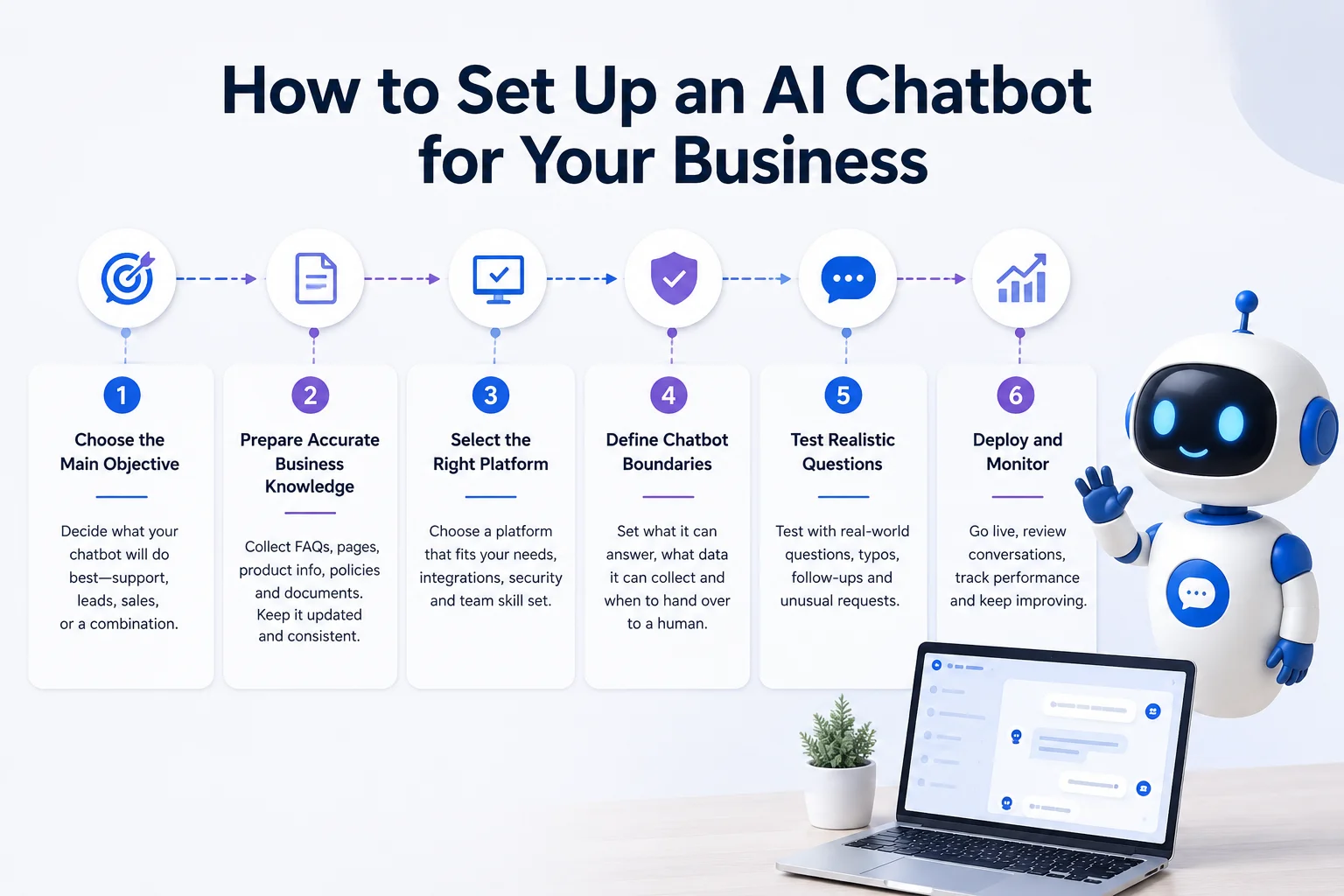
A successful chatbot setup begins with a clear purpose rather than a long list of features.
1. Choose the main objective.
Decide whether the chatbot will primarily answer support questions, capture leads, guide shoppers, explain services, or perform a combination of these tasks. Starting with a focused objective makes the chatbot easier to train and evaluate.
2. Prepare accurate business knowledge.
Collect relevant website pages, product information, FAQs, pricing details, policies, manuals, and support documents. Remove outdated or conflicting information before using it to train the chatbot.
3. Select the right platform.
Choose a platform that fits your website, expected conversation volume, integrations, security requirements, and internal resources. A small business may prefer a no-code platform, while a larger organization may require custom workflows and access controls.
4. Define chatbot boundaries.
Specify what the chatbot is allowed to answer, which information it can collect, and when it must involve a person. It should never invent a price, policy, delivery promise, or technical answer.
5. Test realistic questions.
Do not test only perfectly written questions. Use spelling mistakes, short messages, follow-up questions, unclear requests, and topics the chatbot should refuse or escalate.
6. Deploy and monitor it.
After adding the chatbot to the website, review conversations regularly. Track common questions, unanswered requests, human-handoff rates, lead activity, and customer feedback. Update its knowledge whenever the business changes.
This strategic sequence define the goal, build reliable knowledge, design escalation, test real situations and monitor performance is also recommended in IBM’s current implementation guidance for business and ecommerce chatbots.
What an AI Chatbot Should Not Handle Alone
Not every conversation should be automated. A chatbot should usually transfer issues involving emotional complaints, payment disputes, legal concerns, unusual refunds, sensitive personal information, high-value negotiations or decisions requiring management approval.
Businesses must also consider privacy. They should understand what customer information the chatbot collects, how it is stored, who can access it and how long it is retained.
The goal should not be to prevent customers from reaching a person. The goal is to resolve appropriate questions quickly while making human support easier to access when it adds value.
How AgentBest.ai Supports Business Websites
AgentBest.ai helps businesses create an AI chatbot using their existing website content and additional knowledge.
A user enters a website URL, and the platform scans relevant products, services, FAQs, policies, pricing information and other public business content. Additional PDFs, manuals, support documents, and business files can be uploaded to improve the knowledge base.
After training and testing, the AI chatbot can be added to the website through a widget. It can answer visitor questions, guide customers, assist with support and sales conversations, capture leads and transfer complex requests to the business team.
This workflow is designed for ecommerce stores, SaaS companies, real estate websites, small businesses, service providers, travel companies, education platforms and other organizations that want to support website visitors without developing an entire chatbot system from the beginning.
Final Thoughts
An AI chatbot for business is most valuable when it solves a real communication problem. It can help visitors find information, receive support, understand products, compare services and contact the right person. For ecommerce businesses, it can also make product discovery and policy information easier to access throughout the buying journey.
However, a chatbot is not successful simply because it uses AI. It needs accurate business knowledge, realistic expectations, clear human-handoff rules, regular testing and continuous updates.
When those foundations are in place, an AI chatbot can become a practical extension of your support and sales teams available whenever a visitor needs help, but smart enough to recognize when a human should take over.